Nothing guides
Simple, step-by-step answers for your Nothing Phone, with real screenshots and the exact Nothing OS version.
Most searched
All Nothing Phone guides by topic
All Nothing Phone guides
13 guidesHow to change Glyph ringtones on a Nothing Phone
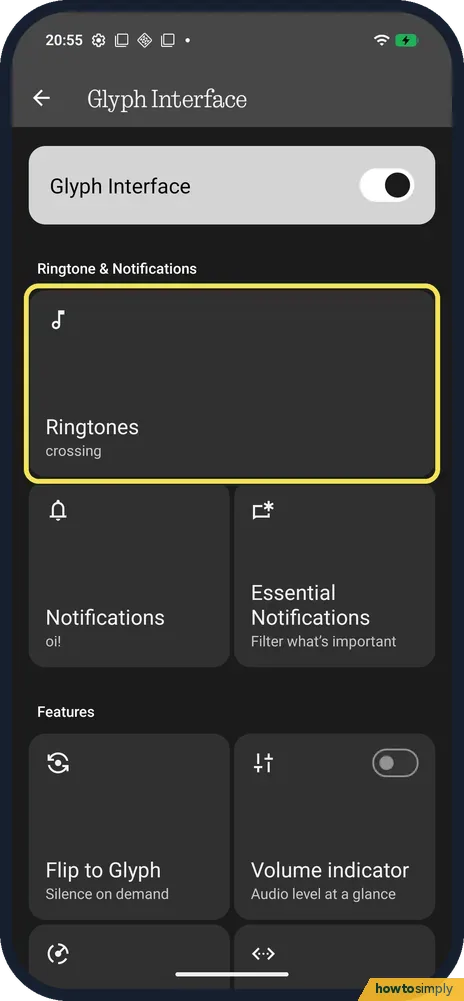
Open Settings, Glyph Interface, Ringtones. Choose Classic (one Glyph ringtone for everyone) or Generative (each contact gets a generated sound and light), then tap…
How to take a screenshot on a Nothing Phone (Nothing OS 4.1)
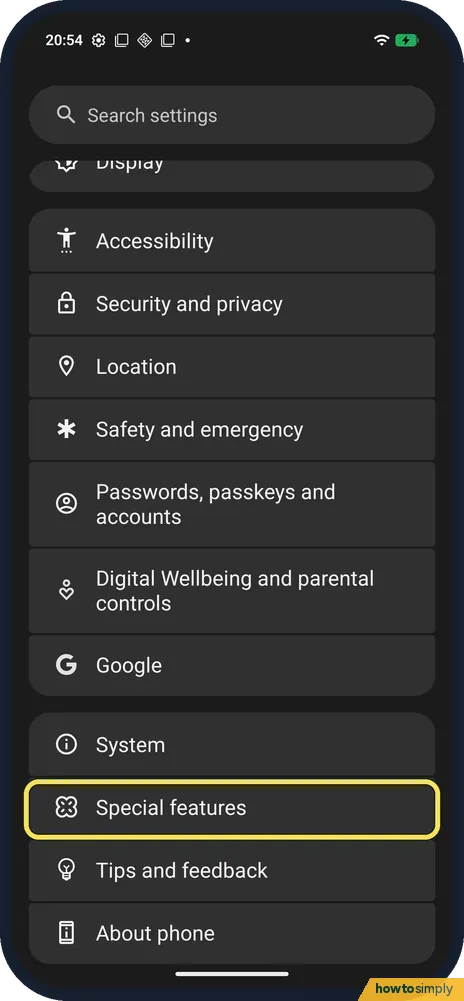
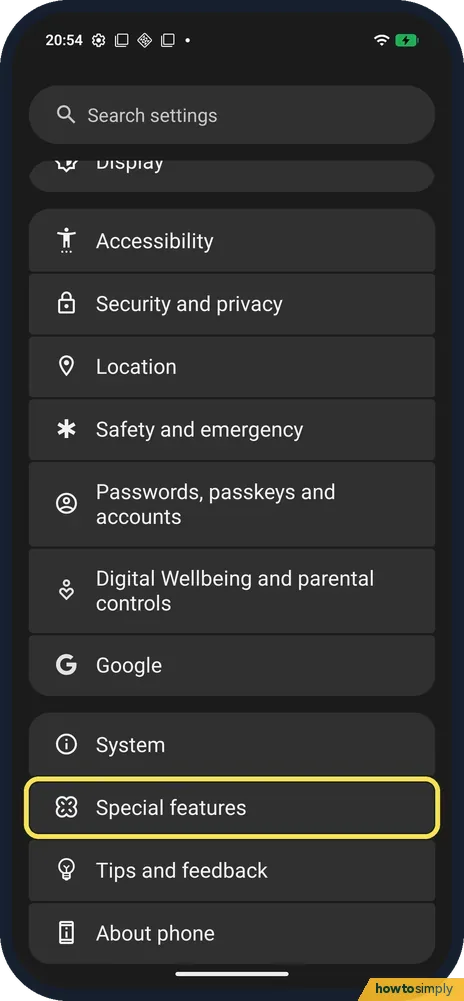
Press Power and Volume Down together, or swipe down with three fingers once Three finger swipe is on in Settings, Special features, Gestures, Screenshot gesture. Press…
How to turn on Developer options on a Nothing Phone
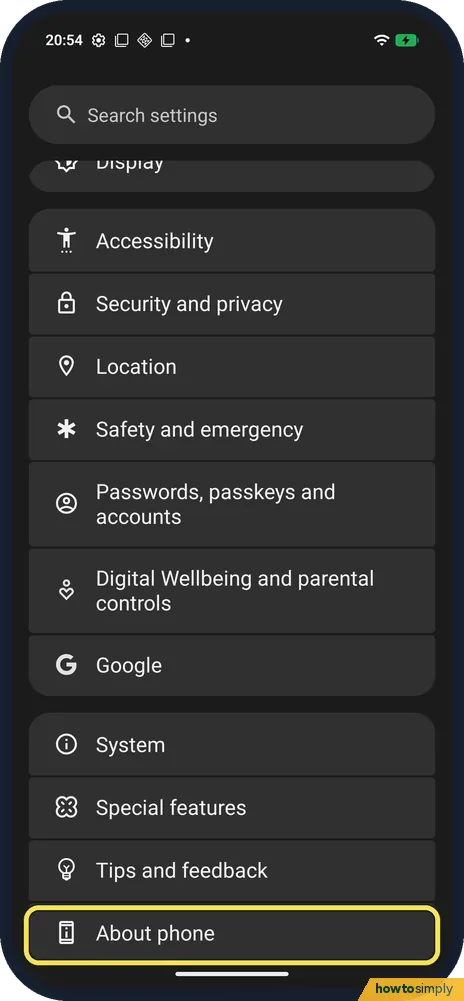
Open Settings, About phone, tap the NOTHING OS card, then tap Build number seven times. Developer options appears in Settings, System.
How to update a Nothing Phone (Nothing OS 4.1)
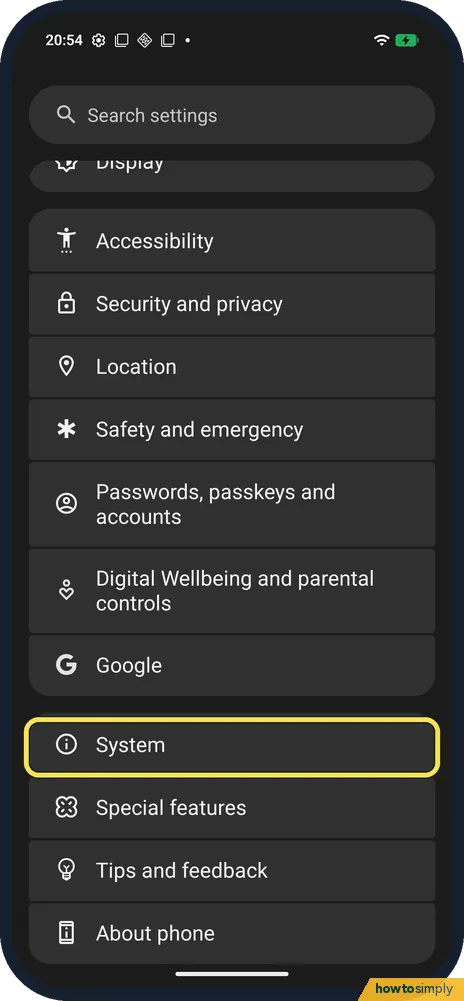
Open Settings, System, System updates. If it says System update available, read What's New and download it on Wi-Fi. Ours offered a 643 MB update with the September…
How to change the language on a Nothing Phone (Nothing OS 4.1)
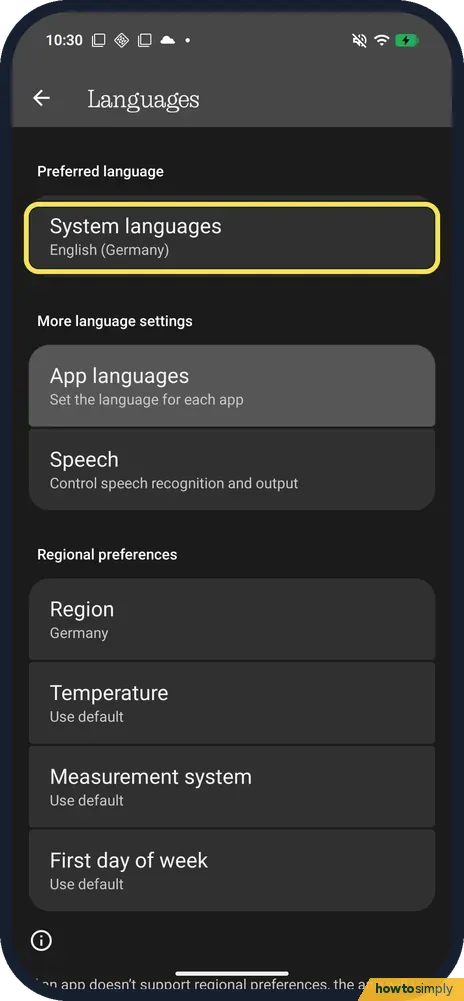
Open Settings, System, Languages, System languages, tap Add a language and pick one. The phone uses the first language in the list; one app can have its own under App…
How to see screen time and set app timers on a Nothing Phone (Nothing OS 4.1)
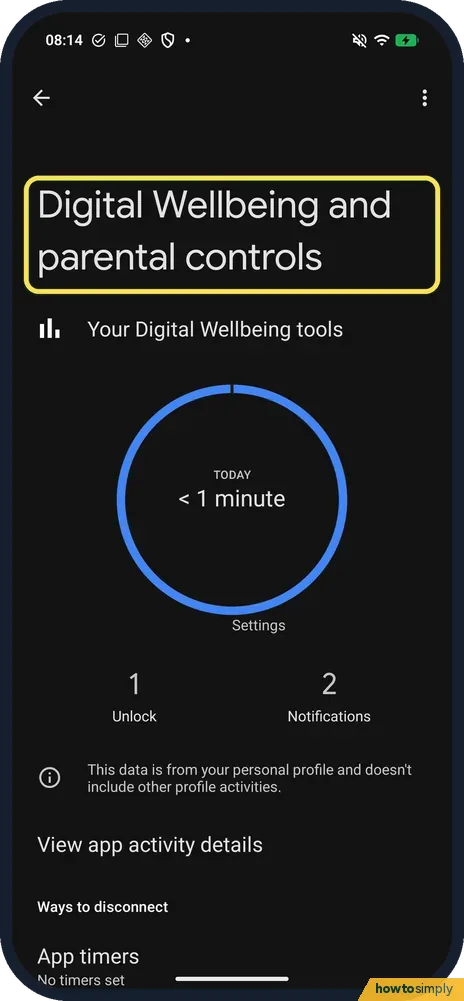
Open Settings, Digital Wellbeing and parental controls, then App timers. Tap the hourglass next to an app, pick hours and minutes and tap OK. The timer resets at…
How to set up Essential Space on a Nothing Phone (4a) Pro
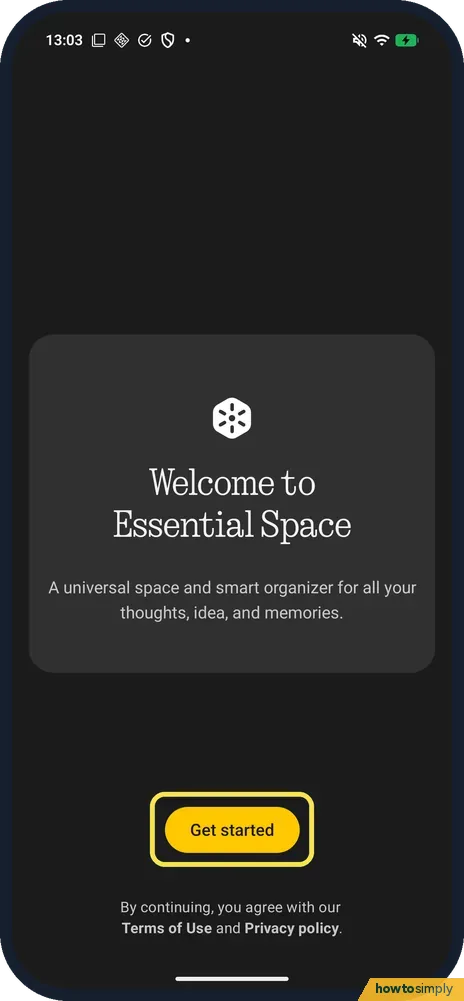
Nothing says to double-press the Essential Key to open Essential Space. Tap Get started and Continue, pick a location option, then double-click the key when the setup…
How to turn pocket mode on or off on a Nothing Phone
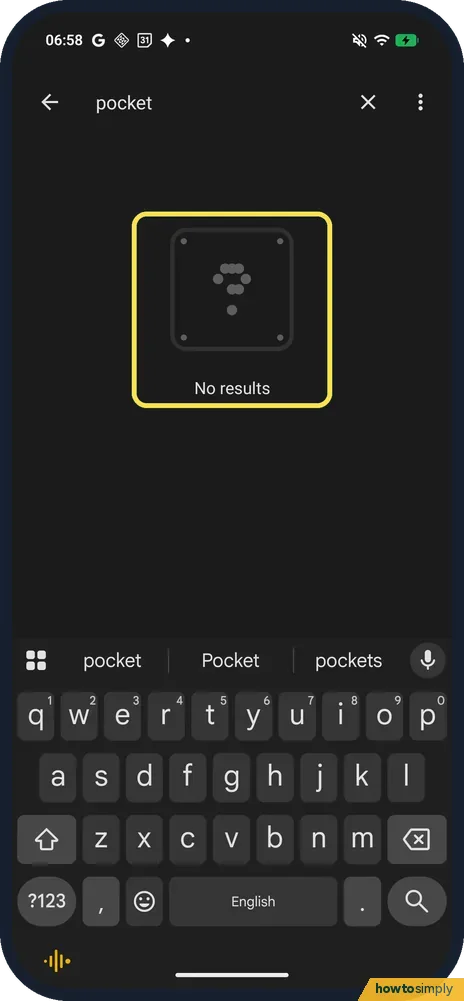
Nothing OS 4.1 has no setting called Pocket mode. The nearest is Mistouch prevention: open Settings, Special features, Gestures and use its switch. It prevents screen…
How to turn off Google Discover on a Nothing Phone (OS 4.1)
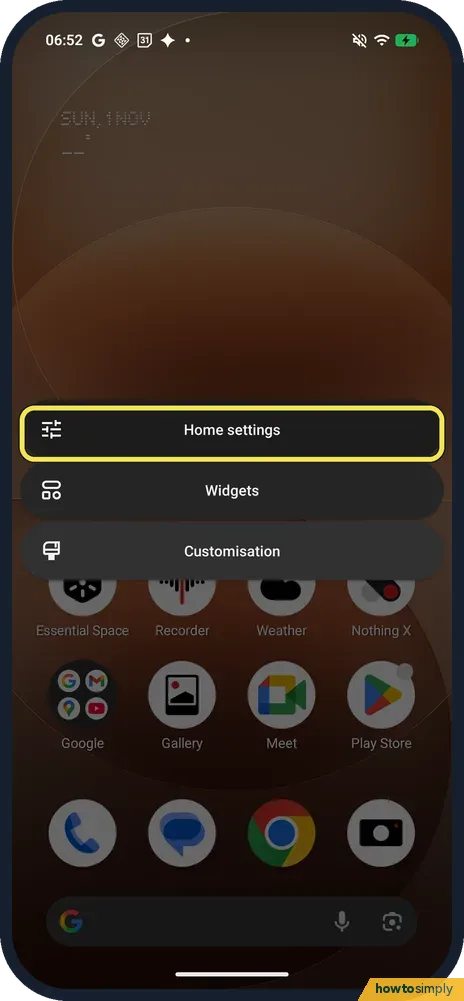
Touch and hold an empty part of the Home screen, tap Home settings and turn off Swipe to access the Google app. A swipe right on the Home screen then no longer opens…
Nothing Phone battery draining fast? What to check (OS 4.1)
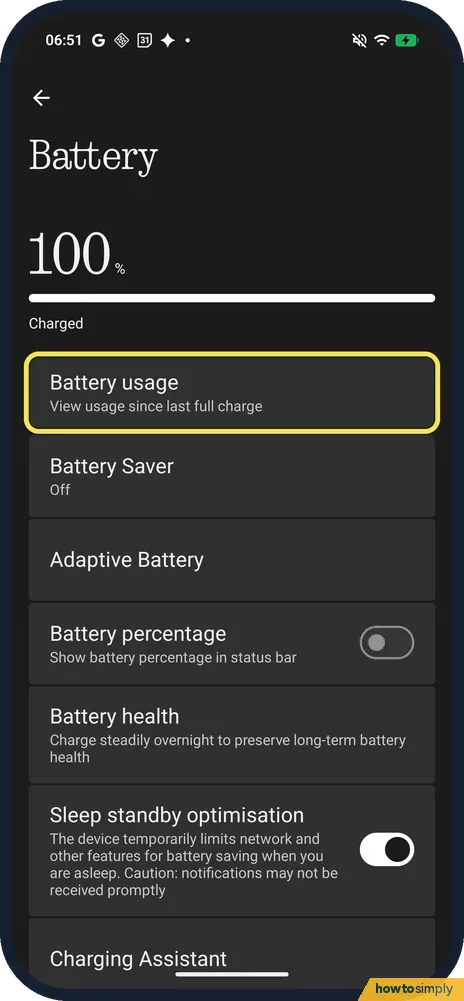
Open Settings, Battery, Battery usage to see which apps use the most. Check Adaptive Battery, limit a heavy app under App info, App battery usage, and check Always-on…
Nothing Phone not getting notifications? 7 settings to check
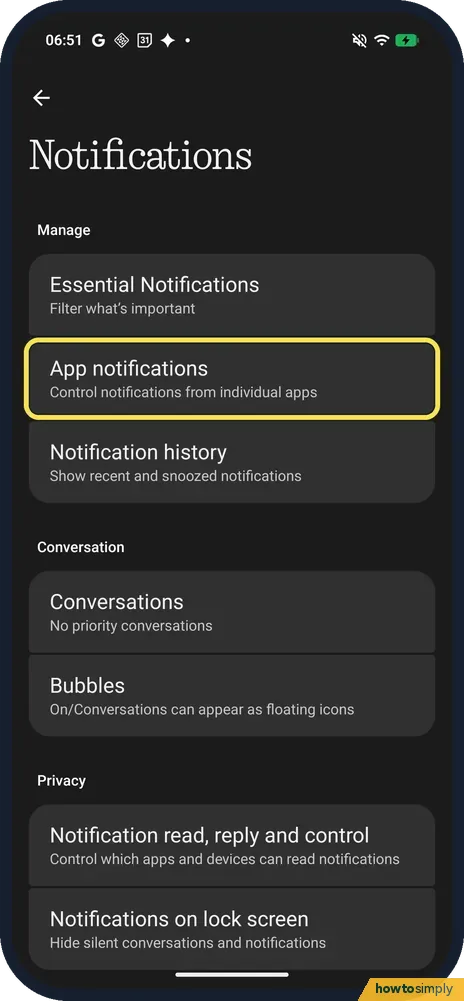
Check Settings, Notifications, App notifications and the app's own Notifications row, then let the app run in the background under App battery usage. Also check Sleep…
Nothing Phone (4a) Pro missing features: what ours doesn't have
Our Phone (4a) Pro had no Pocket mode, no Settings entry for the Essential Key, no Glyph Timer widget, no ringtone setting for withheld numbers, no hotspot data limit…
How to use app pinning on a Nothing phone (Nothing OS 4.1)
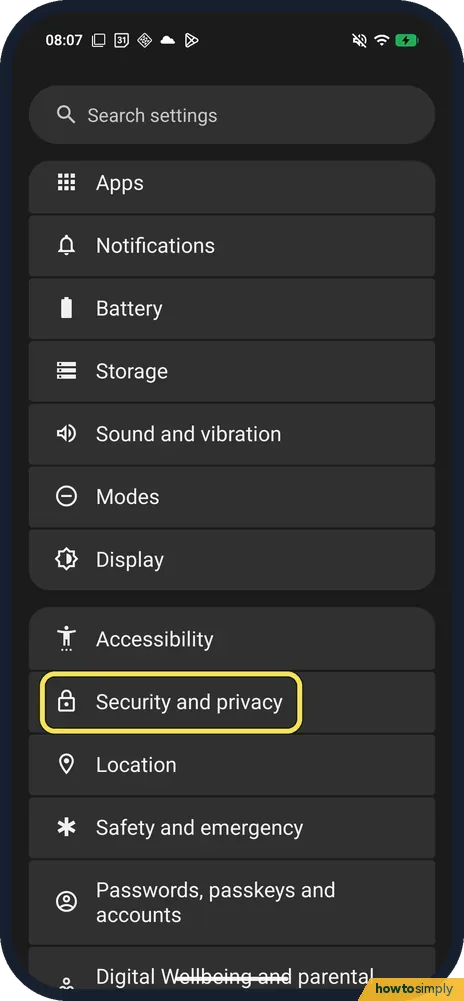
Open Settings, Security and privacy, More security and privacy, App pinning and turn on Use app pinning, then tap OK. In Overview, tap the app icon above the card and…