HONOR guides
Simple, step-by-step answers for your HONOR, with real screenshots and the exact MagicOS version.
Most searched
All HONOR guides by topic
All HONOR guides
9 guidesHow to take a screenshot on an HONOR phone (MagicOS 10)
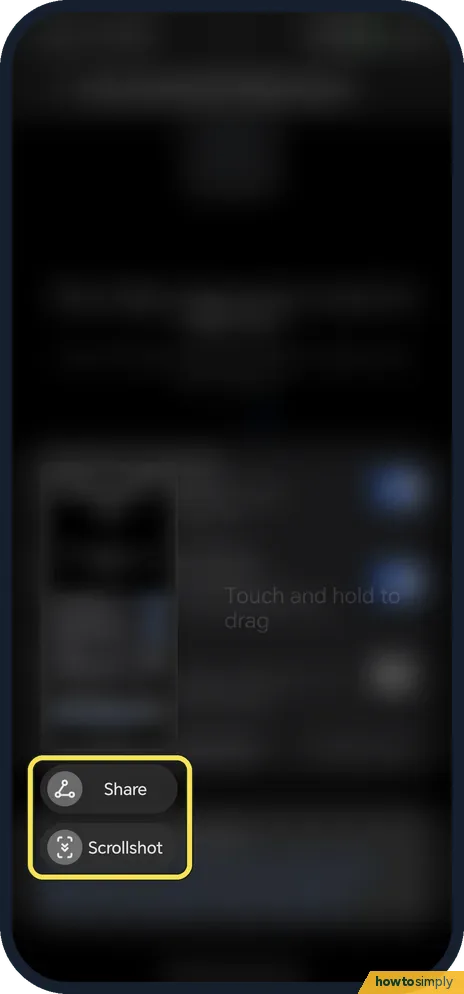
Press and hold Power and Volume Down together, or knock twice on the screen with one knuckle. If the knock does nothing, turn on Knuckle screenshots in Settings…
How to turn on Developer options on an HONOR phone (MagicOS 10)
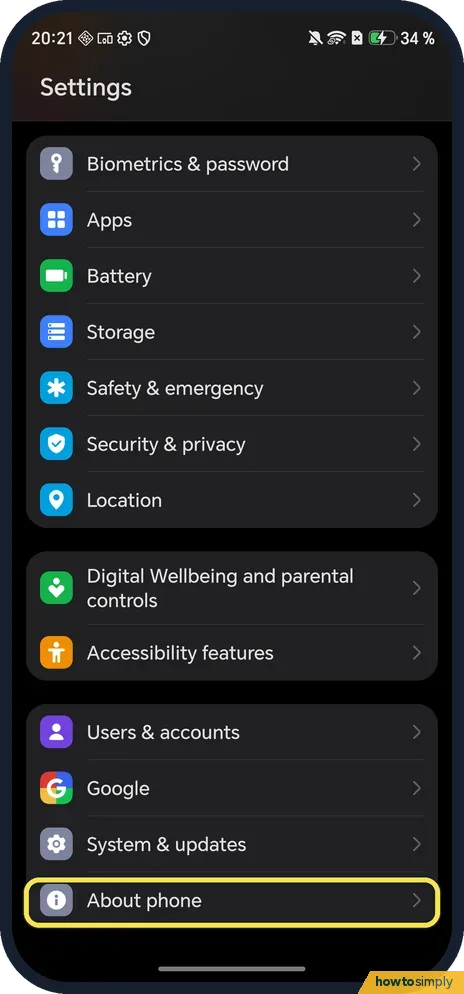
Open Settings, About phone and tap Build number seven times. Developer options then appears in Settings, System & updates.
How to update an HONOR phone (MagicOS 10)
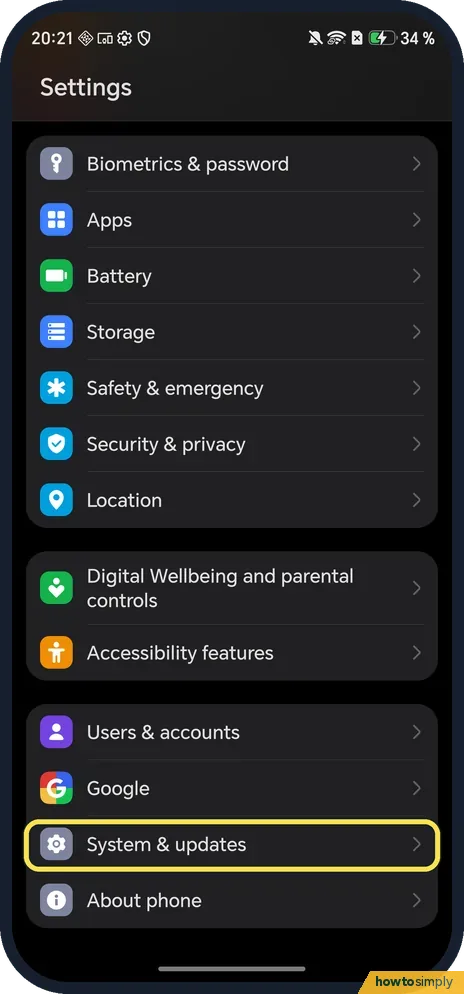
Open Settings, System & updates, Software update and tap Check for updates. Ours said You're up to date on 10.0.0.169(C430E7R2P1) on 21 Oct 2026.
How to change the ringtone on an HONOR phone (MagicOS 10)
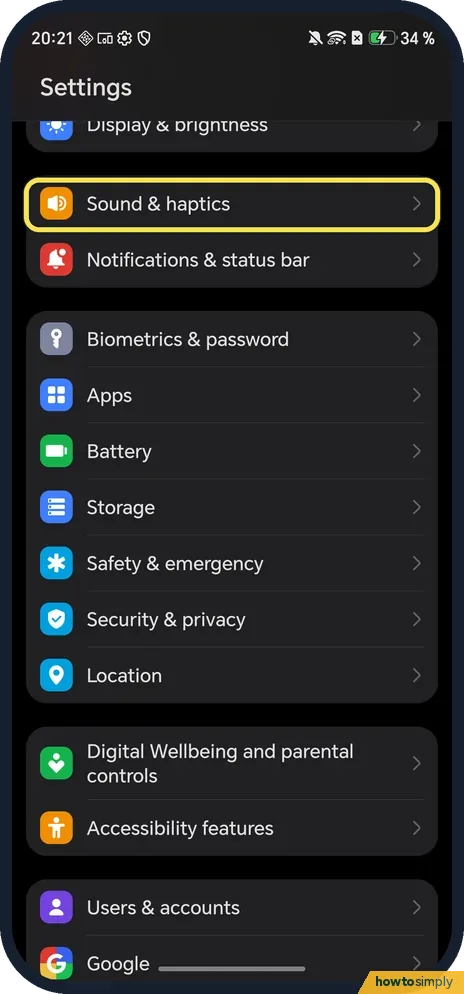
Open Settings, Sound & haptics and tap Phone ringtone under Ringtone. Choose SIM 1 or SIM 2 at the top, then tap Apply next to the tone you want. Music on device lets…
How to see screen time and set app timers on an HONOR phone (MagicOS 10)
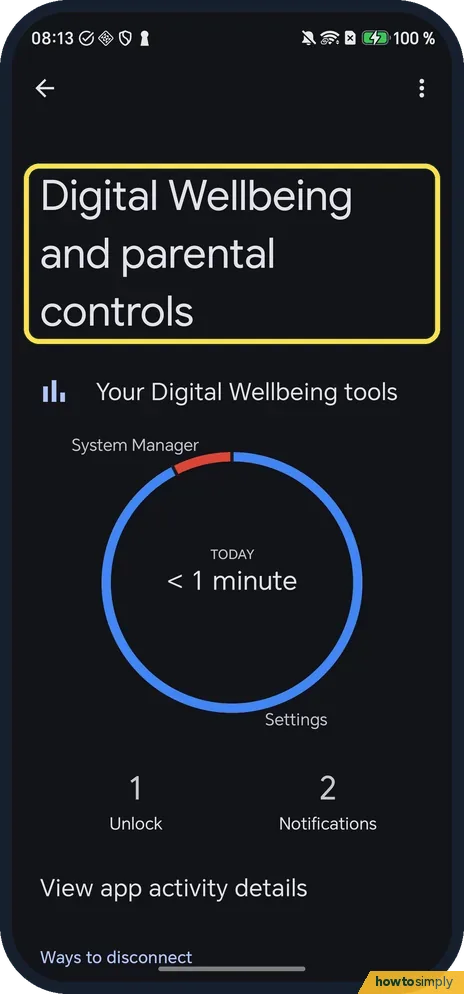
Open Settings, Digital Wellbeing and parental controls, then App timers. Tap an app, tap App Timer, pick hours and minutes and tap OK. The timer resets at midnight; the…
HONOR battery draining fast? What to check (MagicOS 10)
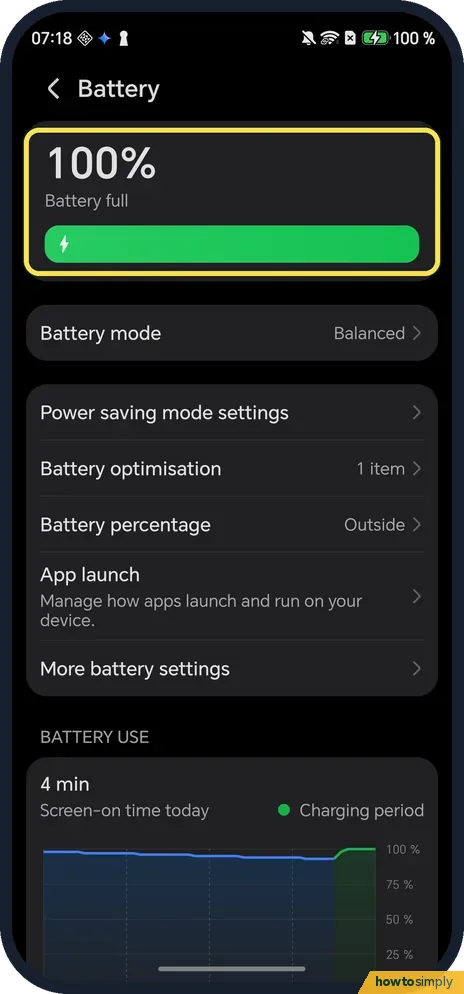
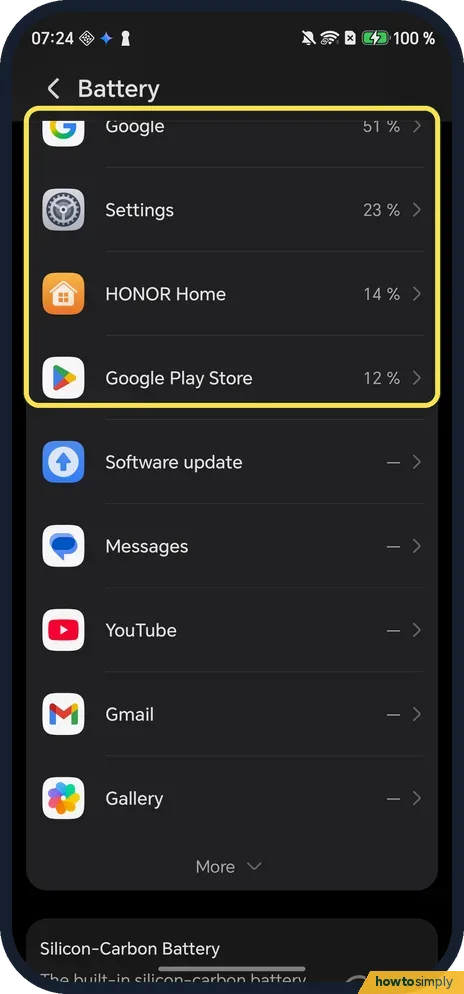
Open Settings, Battery: check which apps use the most, keep Battery mode on Balanced, leave App launch on Manage all automatically, set Power saving mode to switch on…
HONOR phone overheating? What to check (MagicOS 10)
Look at Settings, Battery for an app using a lot, keep Battery mode off Performance, use Dynamic or Standard refresh rate, and turn on Bypass charging if you use the…
HONOR not getting notifications? Settings to check (MagicOS 10)
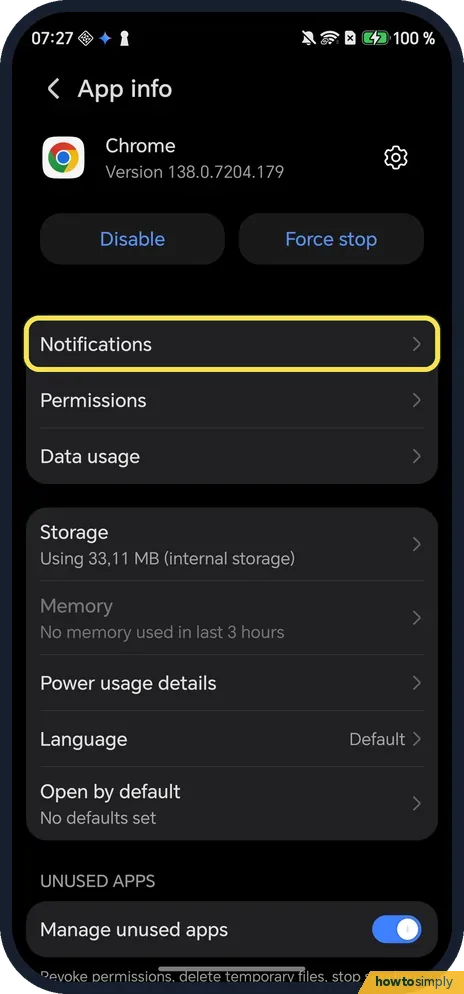
Open Settings, Apps, the app, Notifications and turn on Allow notifications. Then go to Settings, Battery, App launch, switch the app's toggle off and keep Auto-launch…
How to use screen pinning on an HONOR phone (MagicOS 10)
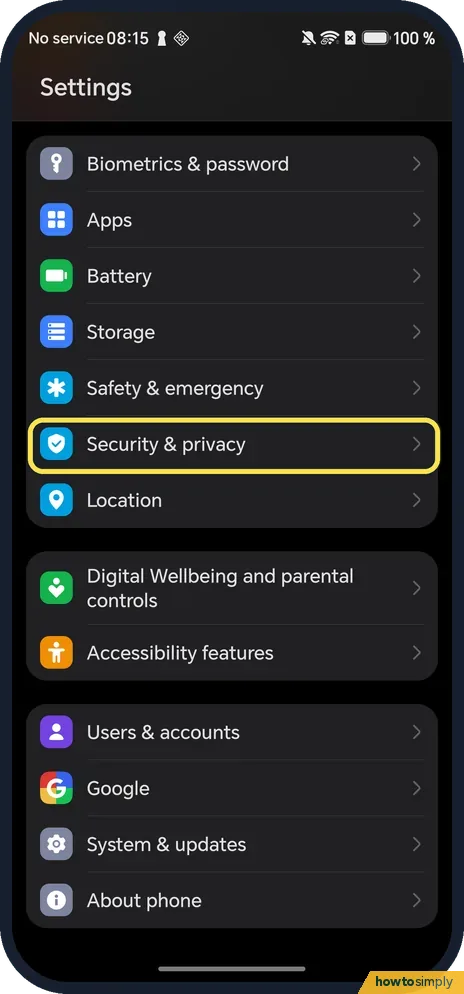
Open Settings, Security & privacy, More security and privacy, Screen pinning and turn it on. Open Recents and tap the round pin icon at the bottom of the app's card…